

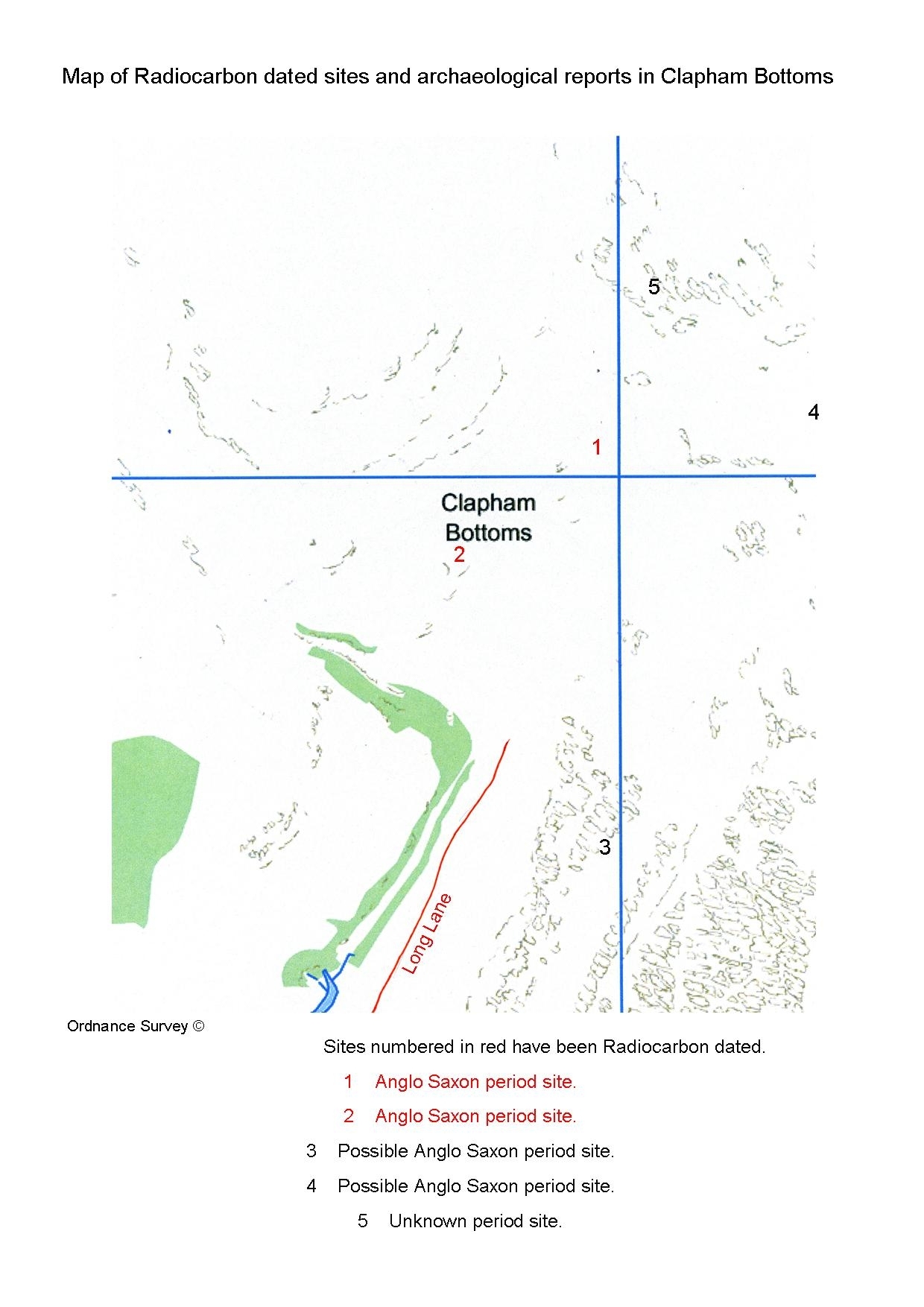
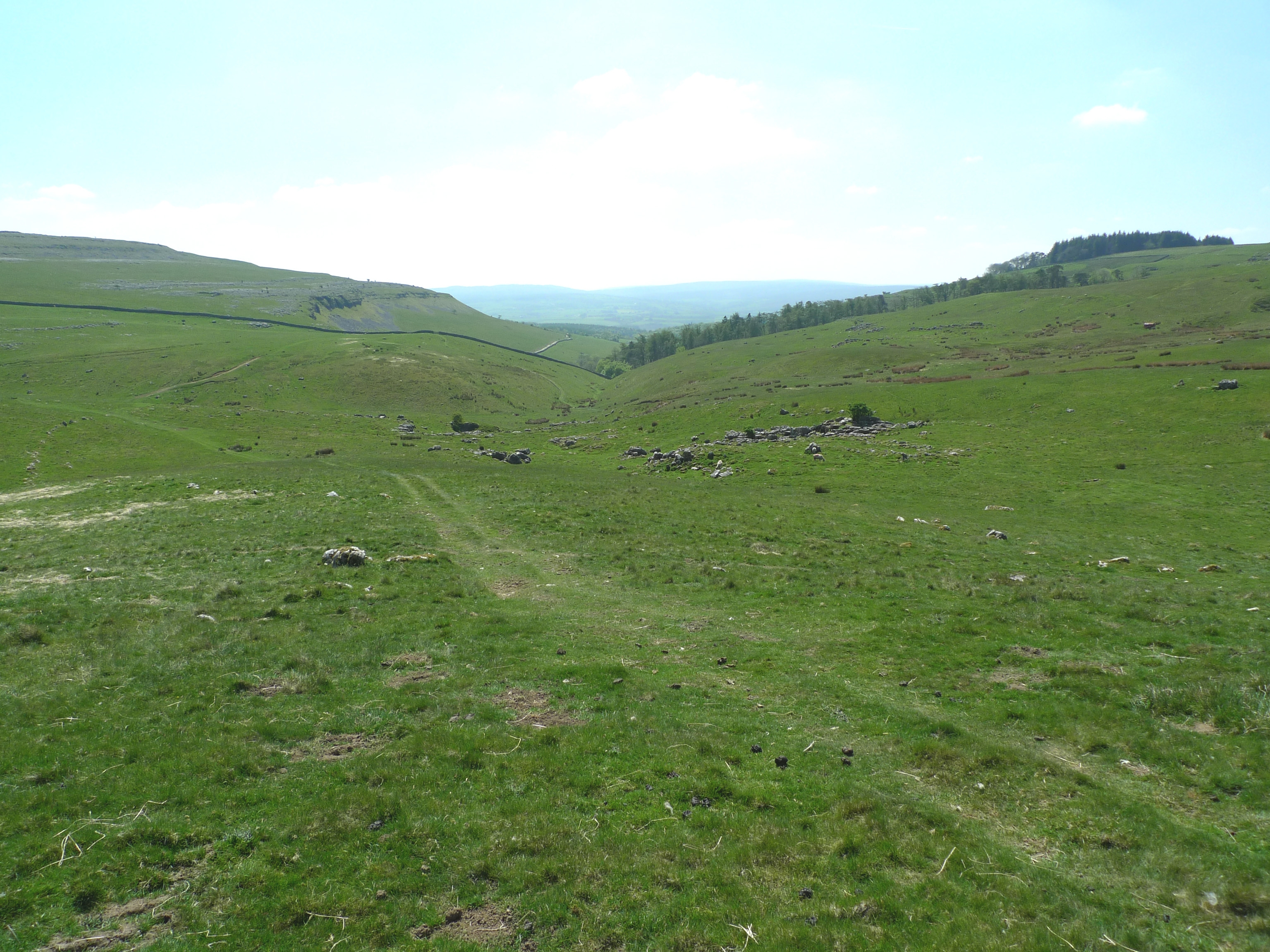
General View of Clapham Bottoms
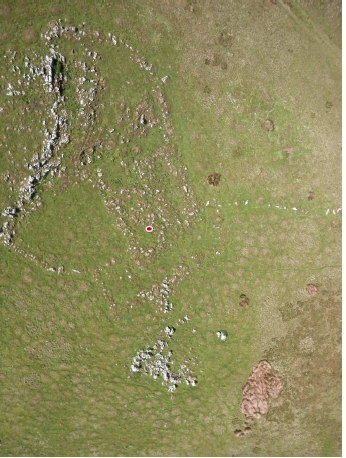
First site investigated in Clapham Bottoms
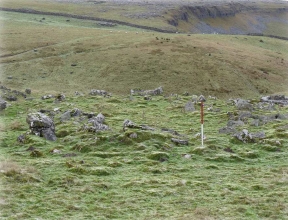
Second site investigated in Clapham Bottoms
Detailed topographical and geophysics reports and surveys on the first two sites
Report on all the sites in Clapham Bottoms
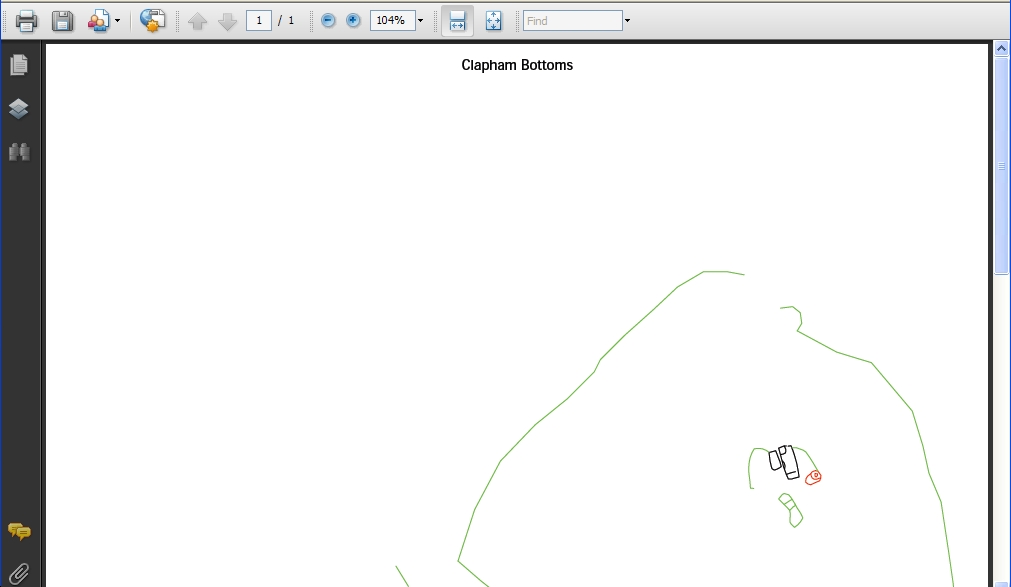
If you do NOT see the side-bar with the three icons indicated then you must use the "DOWNLOAD" icon to download the pdf file first and then open the pdf file in Acrobat Reader for the remainder of this article to make any sense.
You will notice two things. First there are different colours for different types of feature but more importantly there is an extra icon on the black vertical toolbar. This is shown below
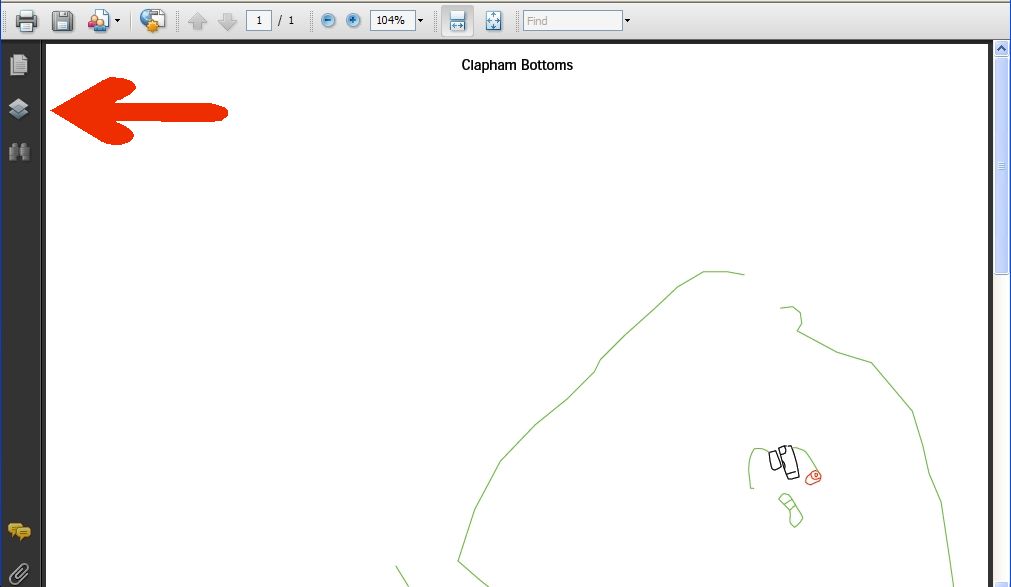
When this icon is clicked a submenu opens up which shows the names of the different features, each of which is recorded on a separate layer
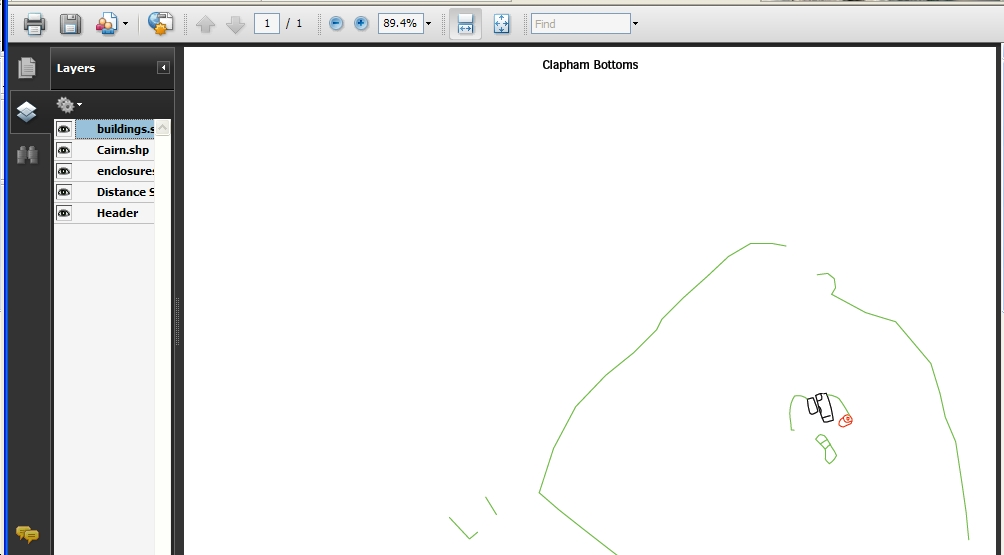
Each of the layers may be turned off by clicking on the symbol of an eye in the box to the left of the layer name. For example if the building eye is toggled off then we see the following
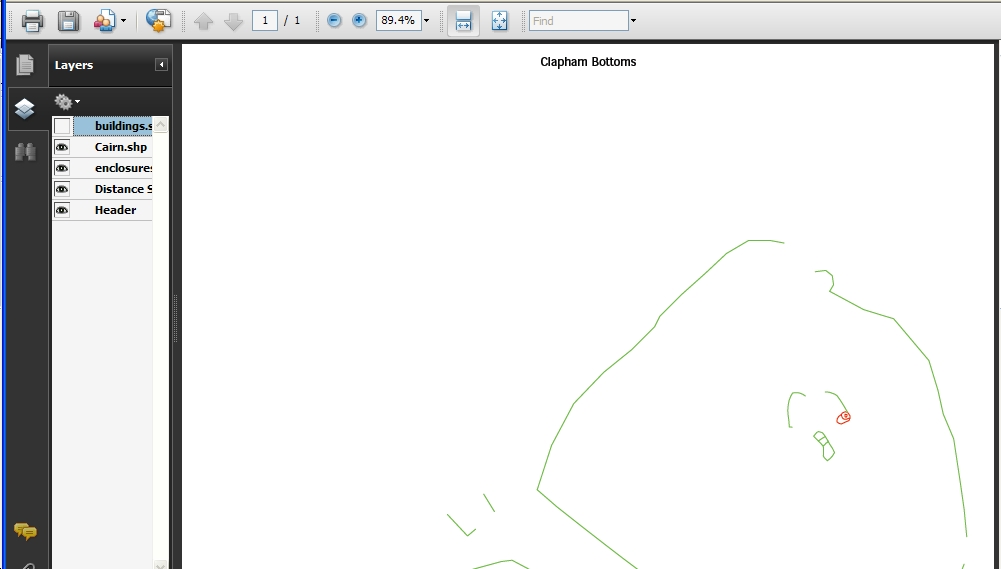
You can now see that the black outlines for the building have disappeared. You can turn off (and back on again,) as many of the layers as you wish. So, for example, you could investigate the pattern of the walls on their own. Even more important is the effect of using the zoom function.
In the next picture only the buildings layer has been left turned on.
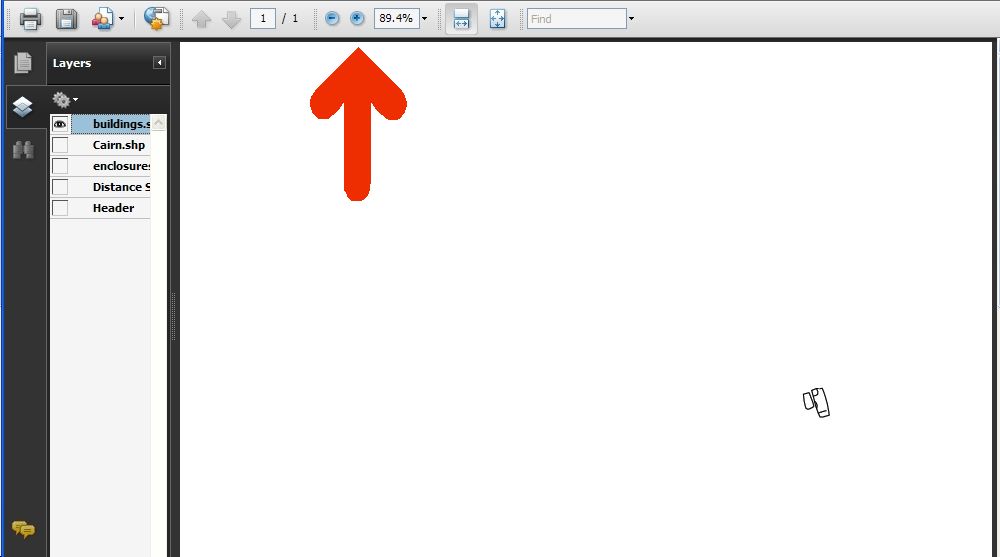
By increasing the magnification step by step and using the scroll bars to keep the image the centre of the view we can increase the magnification to 1600% (and more).
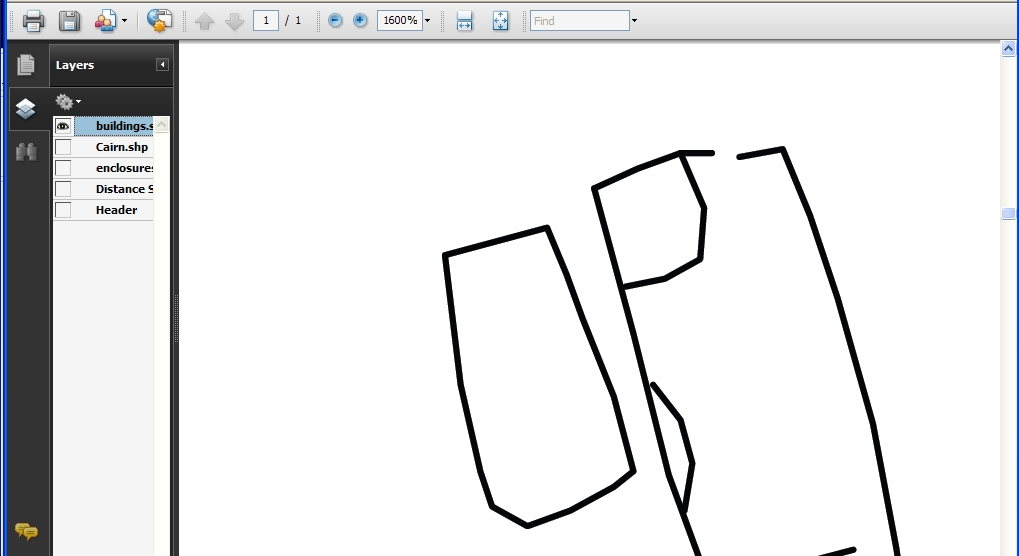
You will see that lines of the building have not become the rough block image that you might expect. Therefore the WHOLE of the site can be explored in detail from one map. Once again, many thanks to Mark Simpson for introducing us to this technique.
To explore the map of all the sites in detail
Please use the menus at the top of the page to navigate the website.